Runner's Tools2.0
Publisher Description
Features:
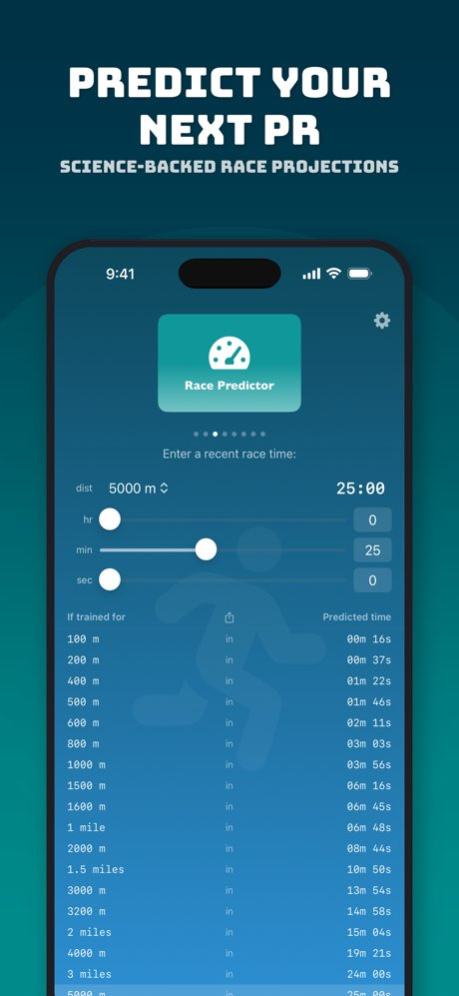
- Race Predictor: Will predict your potential on the most common race distances based on a given one. The automatic calculation uses a dynamic scale but we also made it possible to use your own (single Riegel factor) value. The default gives a realistic prediction, not assuming everyone is a trained high mileage athlete!
- Training paces: Based on a (planned or recent) race performance, will calculate both the appropriate splits and paces for interval and tempo training
- Track splits: Using GPS for track training is not great. This tool will convert a given pace to the target split of a full lap for each lane of a standard (IAAF) 400m track
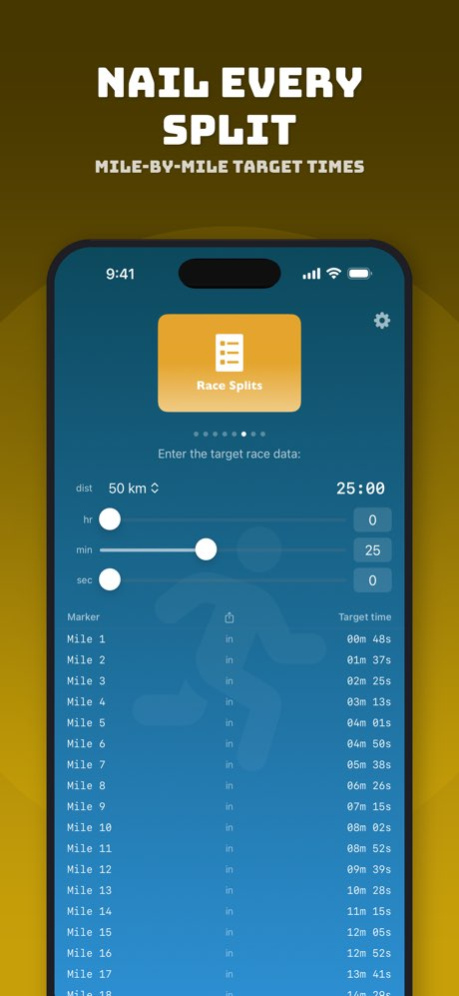
- Race Splits: Plan any race by breaking the distance and target race time down by kilometer or mile markers
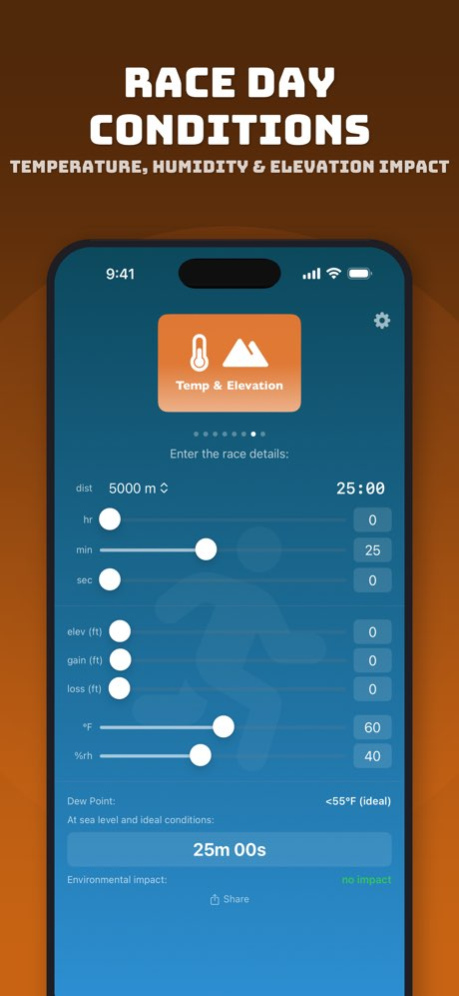
- Evaluate or plan a race by factoring in elevation, elevation gain/loss, temperature and humidity (dew point)
- Convert any pace from minutes per mile to minutes per km and vice versa
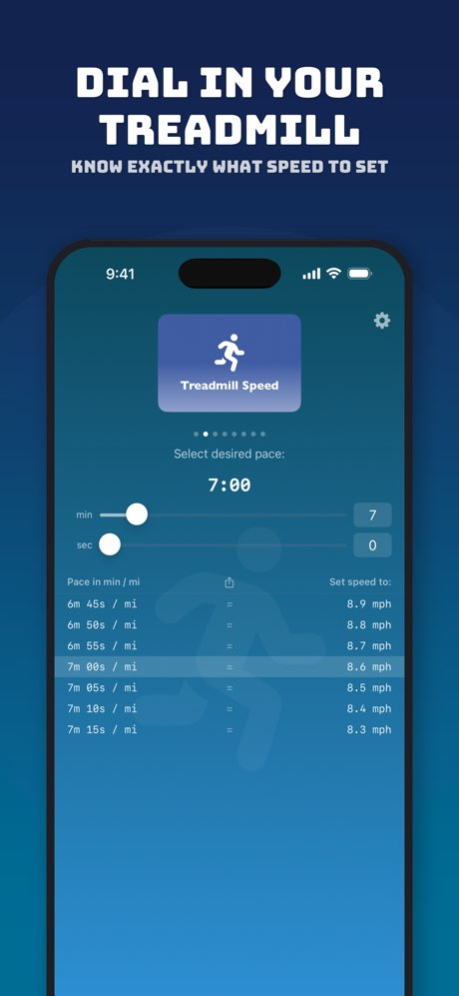
- Calculate the right speeds to set treadmills to, based on pace
- Calculate age graded performance
Works in both metric and imperial system.
Version History - New look & feel
- Easy treadmill and miles to km conversion from widget
- Age graded performance 2.0 Mar 17 - App is now 100% free (no ads or purchases)
- Some small improvements 1.1 09/29/2021 1.0 12/18/2019
About Runner's Tools
The company that develops Runner's Tools is Vermilion Apps LLC. The latest version released by its developer is 2.0.
To install Runner's Tools on your iOS device, just click the green Continue To App button above to start the installation process. The app is listed on our website since 2026-10-06 and was downloaded 9 times. We have already checked if the download link is safe, however for your own protection we recommend that you scan the downloaded app with your antivirus. Your antivirus may detect the Runner's Tools as malware if the download link is broken.
How to install Runner's Tools on your iOS device:
- Click on the Continue To App button on our website. This will redirect you to the App Store.
- Once the Runner's Tools is shown in the iTunes listing of your iOS device, you can start its download and installation. Tap on the GET button to the right of the app to start downloading it.
- If you are not logged-in the iOS appstore app, you'll be prompted for your your Apple ID and/or password.
- After Runner's Tools is downloaded, you'll see an INSTALL button to the right. Tap on it to start the actual installation of the iOS app.
- Once installation is finished you can tap on the OPEN button to start it. Its icon will also be added to your device home screen.
Program Details
System requirements
Download information
Pricing
Version History
version 2.0
posted on 2026-10-06
Version History - New look & feel
- Easy treadmill and miles to km conversion from widget
- Age graded performance 2.0 Mar 17 - App is now 100% free (no ads or purchases)
- Some small improvements 1.1 09/29/2021 1.0 12/18/2019
version 2.0
posted on 2026-03-17
- New look & feel
- Easy treadmill and miles to km conversion from widget
- Age graded performance
version 1.1
posted on 2021-09-29
Sep 29, 2021
Version 1.1
- App is now 100% free (no ads or purchases)
- Some small improvements
version 1.1
posted on 2021-09-29
- App is now 100% free (no ads or purchases)
- Some small improvements
